

Club’s Website
Judges’ Keypad
Judges: Accessing Keypad via Link
When judges are scoring images remotely, they may access they keypad by clicking the link below.
Judges: Access Keypad via Scanning QR code on their Personal Devices
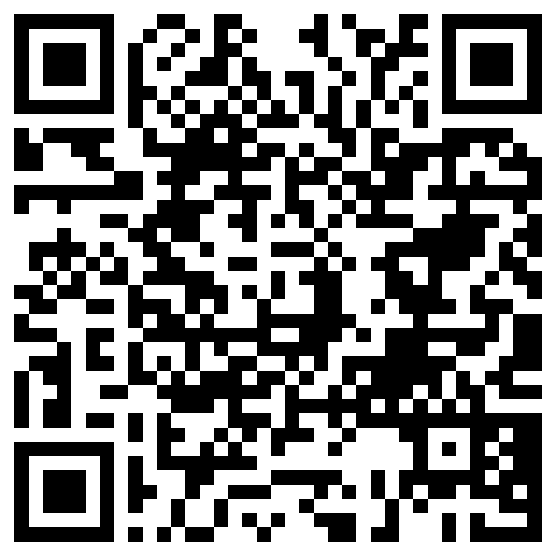
When judges are scoring images remotely, they may access they keypad by scanning the QR code using their personal phone’s or tablet’s camera app.
- Open this page and bring the QR code (below) into view.
- Ask the judge to open their device’s camera app in PHOTO mode and point it at the image of the QR.
- Newer Android and most all Apple devices will automatically detect the website from the code and recommend that the judge taps on an option to open the keypad up.
Help
Here’s what the judges should see when they try to scan the QR code with their devices.
| Android | Apple |
|---|---|
| (Samsung, Google, Others) | (iPhones and iPads) |
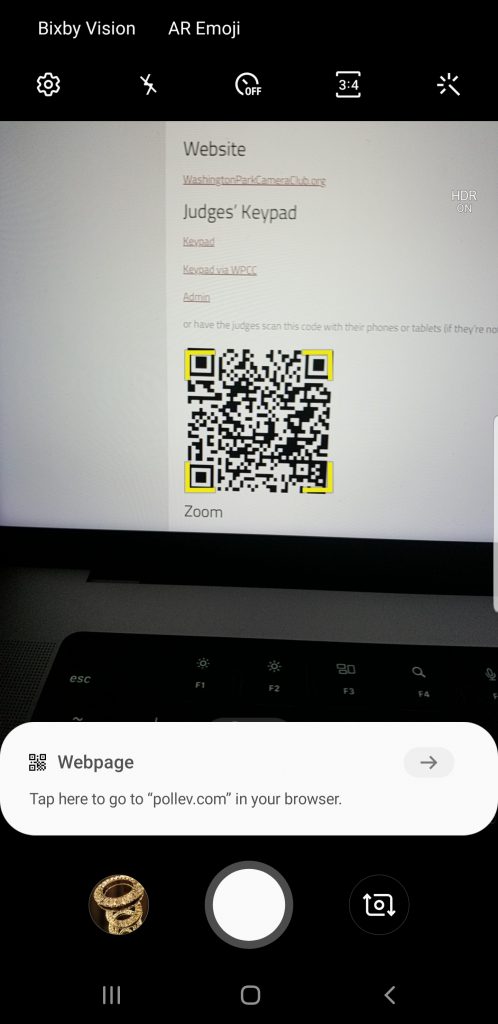 |  |
| Tap on the recommendation to open the keypad in a browser. | Tap on the recommendation to open the keypad in a browser. |
Proctoring / Administering a Competition Scoring Session
Scoring Administrators may proctor the scoring session using the link below:
Results Display (Shareable to Anyone)
Zoom
Social Media
Instagram (@WashingtonParkCameraClub.org)
